Everything your vans do, on one screen.
Job software for plumbing, HVAC and electrical crews. You see the whole day. Your techs get told what's next.
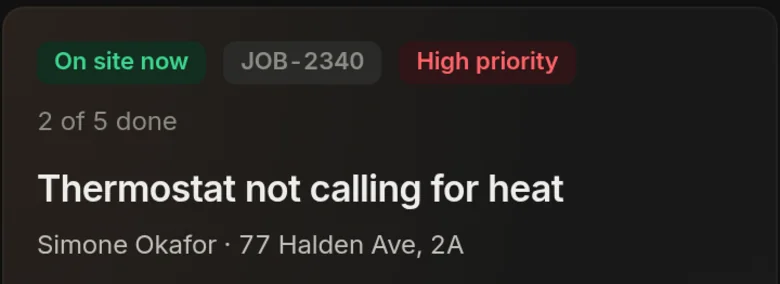
You book the job. Your tech does it. You bill it.All in one place, so nobody types the same job in twice and nothing gets lost between the office and the van.
Three things it does.
One job list, real drive times, and a checklist your techs cannot skip. Everything else on this page is one of those three.
One job list
Book it once. The office screen and the phone show the same job all day.
Real roads
Stops go in the order that saves miles, down streets that exist. The times you see are the times it takes.
Nothing skipped
Every job is a checklist. Next stays locked until the step is done, and it says what is missing.
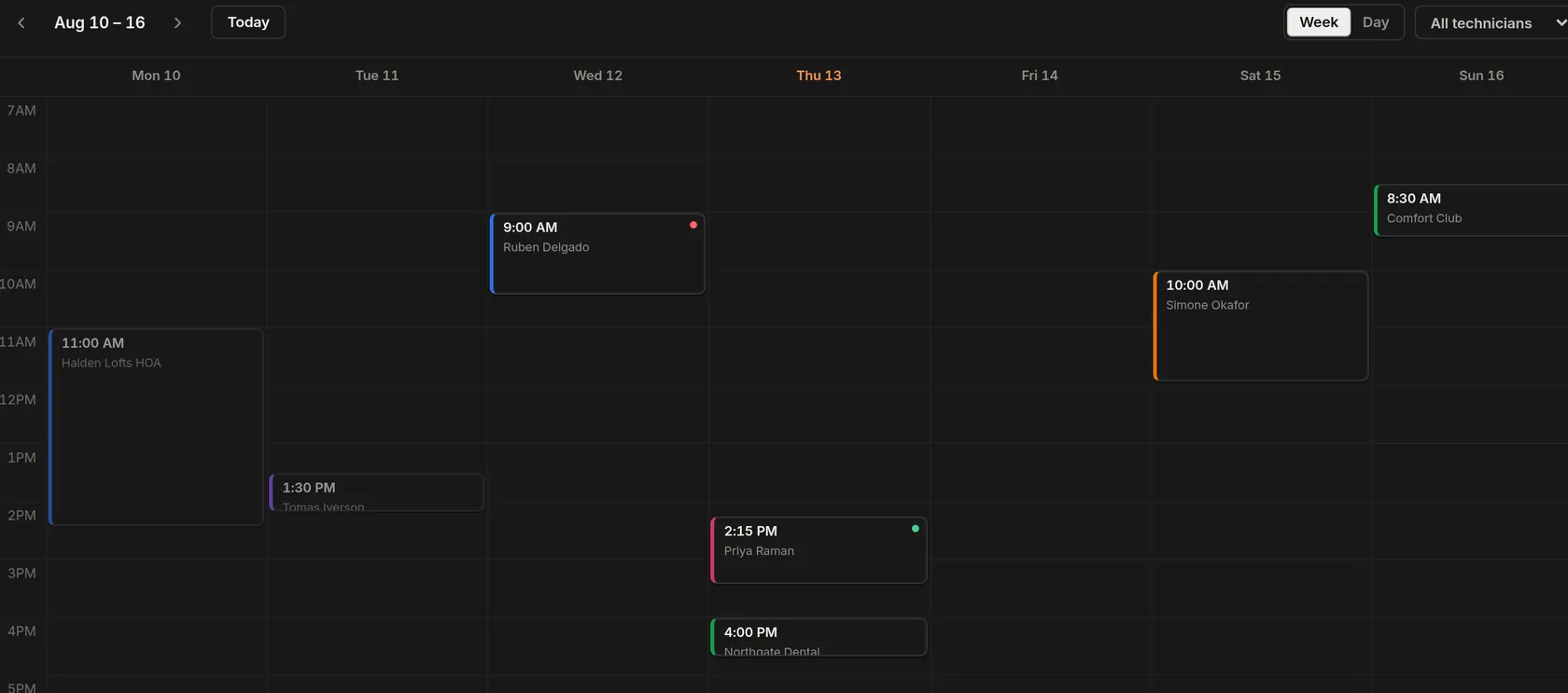
You see the whole day.
Who is out. What is booked. What is running late. What you are still owed. One screen, before the phone rings.

Every job, in order
Each one has a name against it. Moving a job is one drag, not three phone calls.
Late money shows itself
Overdue invoices come to the top on their own. You do not have to go looking.
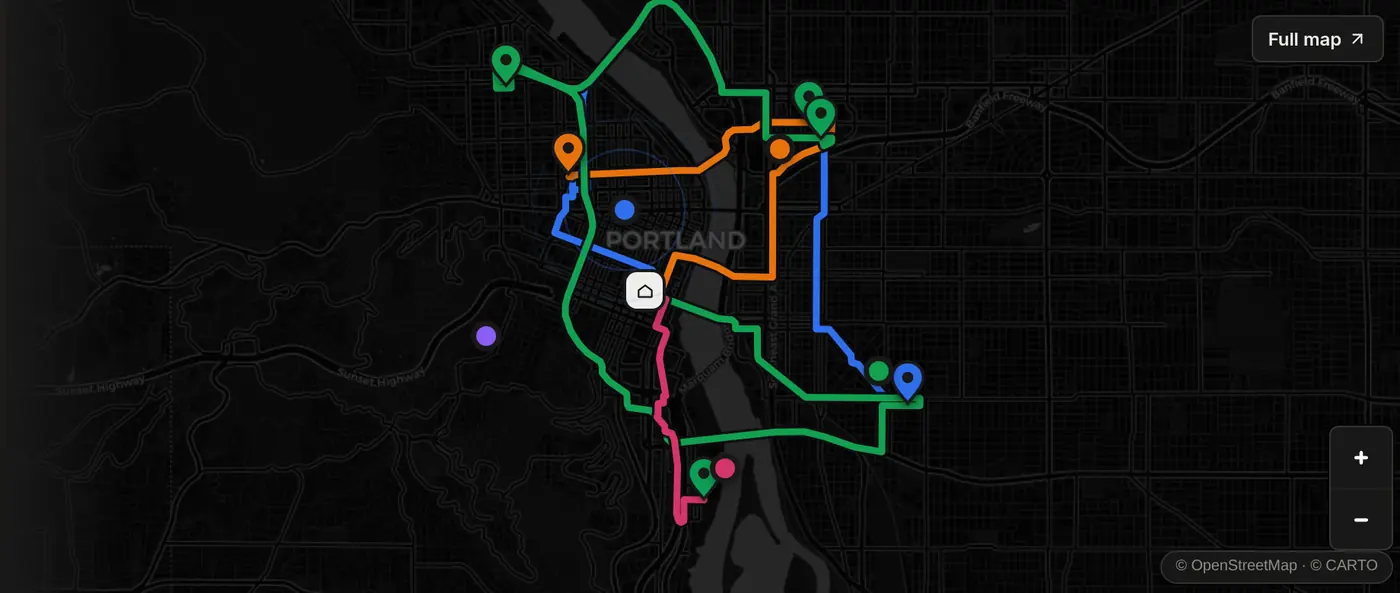
Every van on the map, live.
Where each van is. How many minutes out. What the stop is worth. Click a pin and the job opens right there.
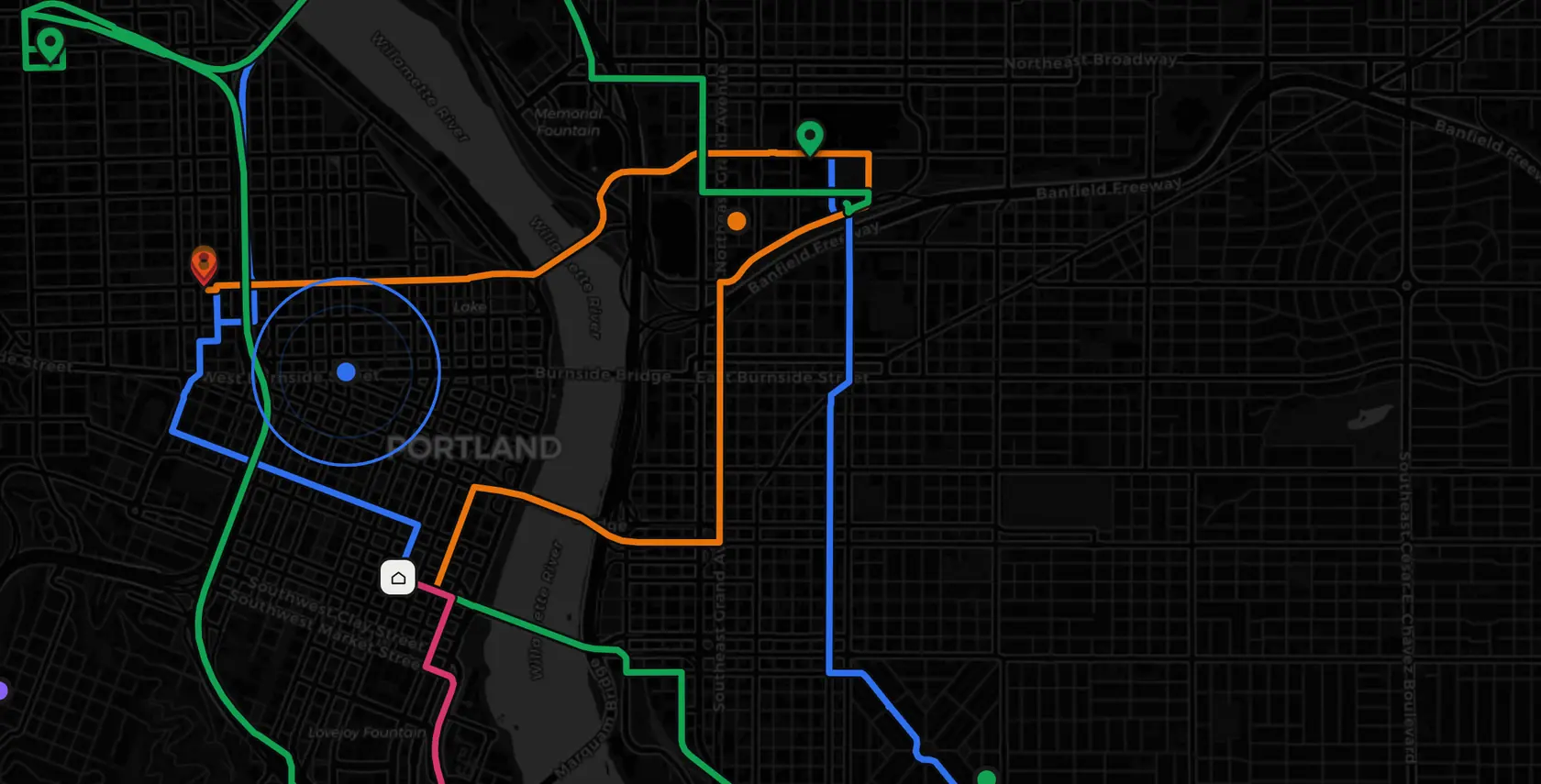
Every route on one map
Five vans, five colours. The whole day in one picture.
The job opens on the map
Customer, address, what they said on the phone, what it is worth. All in one panel.
Find anything. Type one word.
Hit ⌘K and start typing. Jobs, customers, invoices and messages all come out of the same box, over whatever week you were already looking at.
Start with your own day on it.
Create a company, add your crew, and the board fills with your own jobs. Book one, raise the invoice, send it — it writes to the day everybody is looking at. Nothing to install.
Create an accountA name and a password. Your crew join with a code.
Your techs cannot skip a step.
Every job is a checklist. Continue stays dead until the step is done, and the phone keeps recording in a basement with no bars.
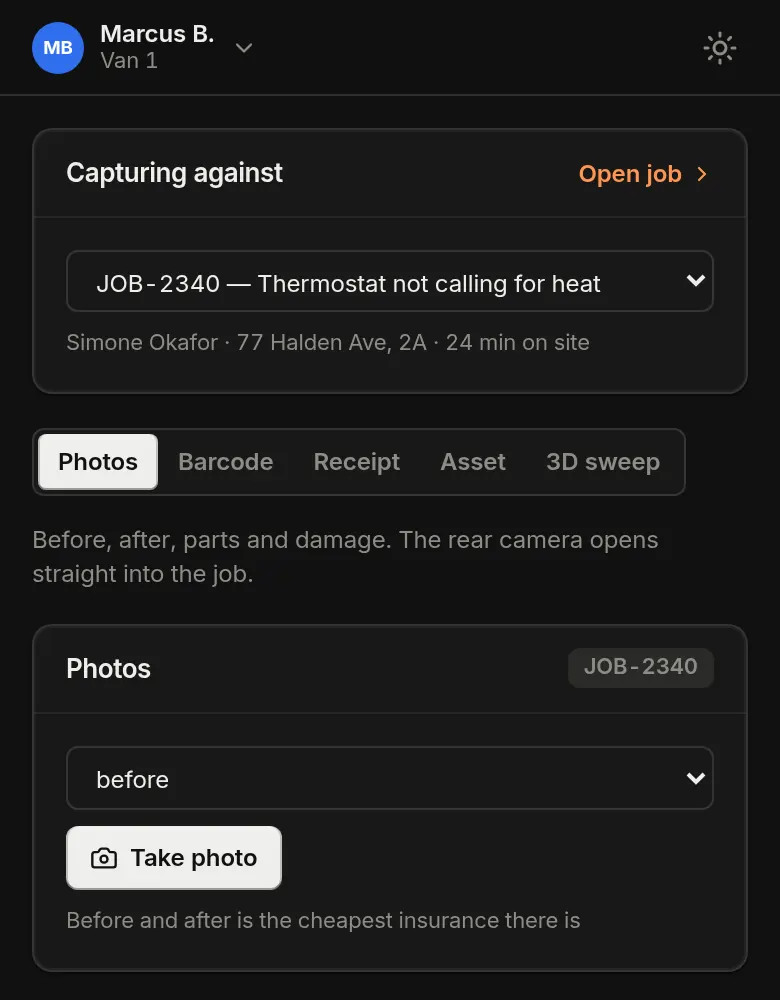
No photo, no Continue
One rule, and you stop chasing techs for pictures a week after the job.
It says what is missing
Not just "invalid". It names the step that is not done yet.
It works with no signal
Basements have no bars. Photos, barcodes, receipts and a 3D sweep keep recording, and upload when the van has signal again.
What crews say.
The same things come up: they stopped chasing photos, stopped ringing the vans, and stopped writing every job down twice.
“I stopped ringing the vans to ask where they were. I just look at the map now.”
“The paperwork turns up finished.”
Illustration. These are fictional Portland crews written for this page, not real customers.
The van gets the route, the turns and the job.
Stops in the order that saves the most miles, the next turn on the same screen, and the whole job on one card before they knock.
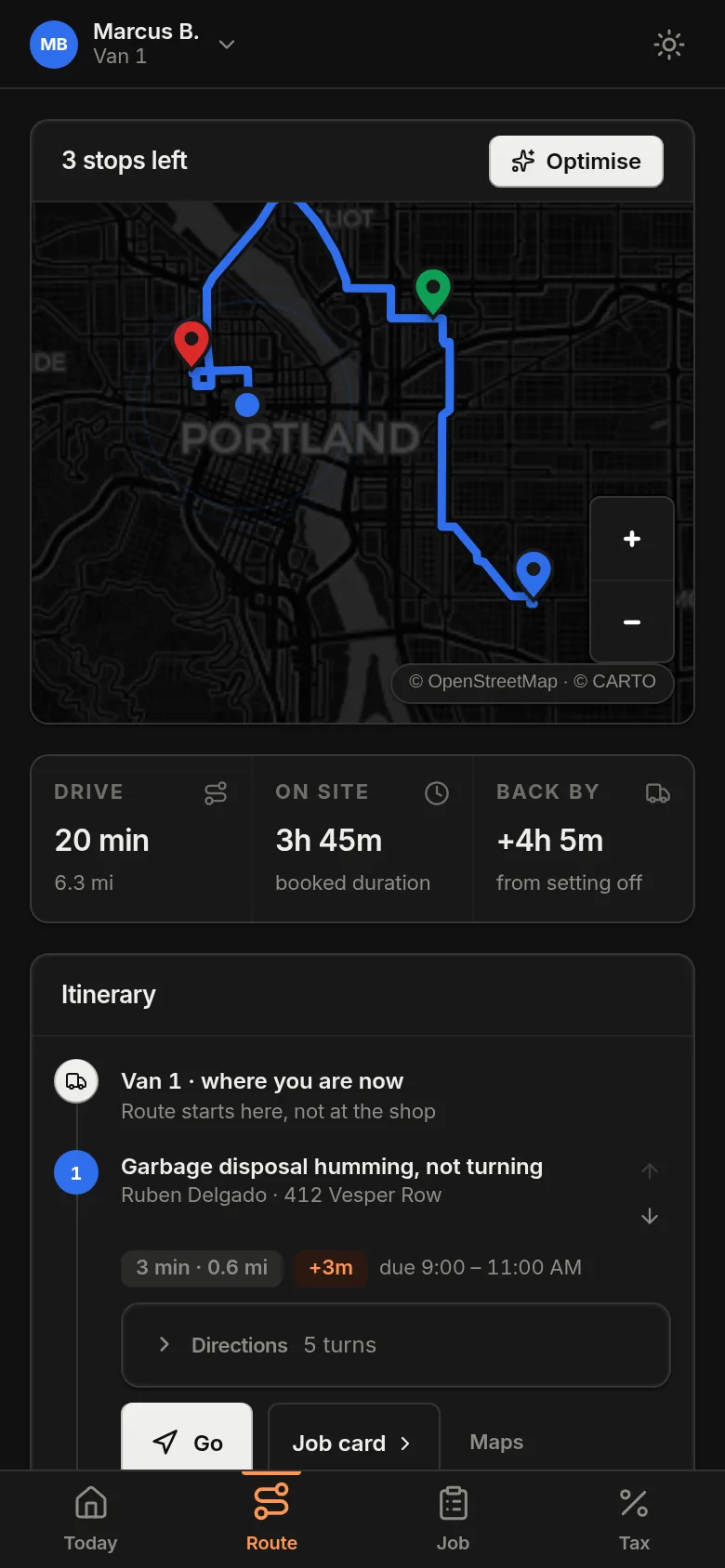
Route starts here, not at the shop
It starts where the van is
The first leg is measured from the tech, not from the yard at eight in the morning.
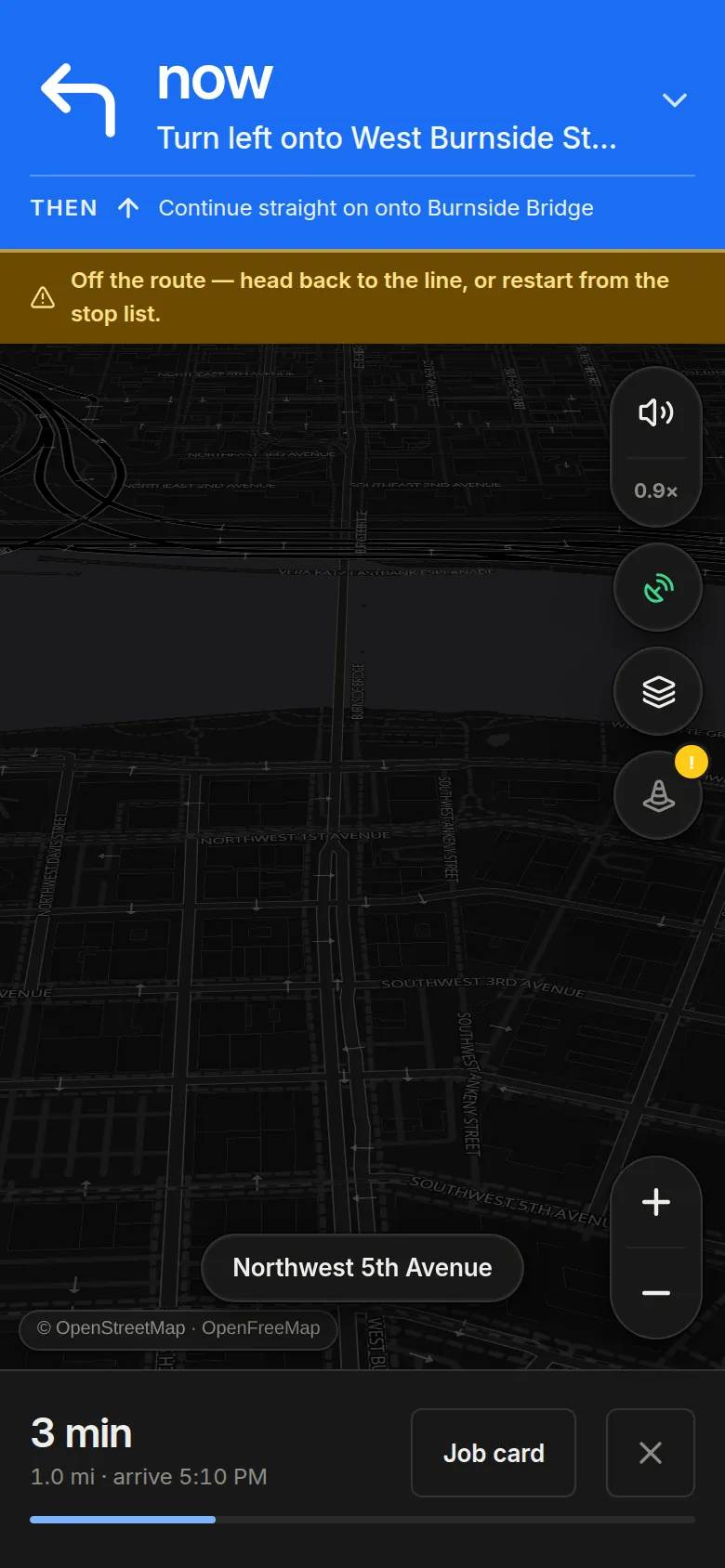
The next turn, in the app
Arrival times come off the roads the van is on, and it says when the van leaves the route.
The whole job on one card
Who booked it, what they said, and the window it has to land in. Then one tap drives.
Put your first job on the board.
Both apps run on one account and one job list. Book it in the office and it is on the technician's route before they reach the van.
12 routes. Office and van, one account.
